GamepadToKeyMapper
A downloadable tool for Windows
Gamepad to Key Mapper
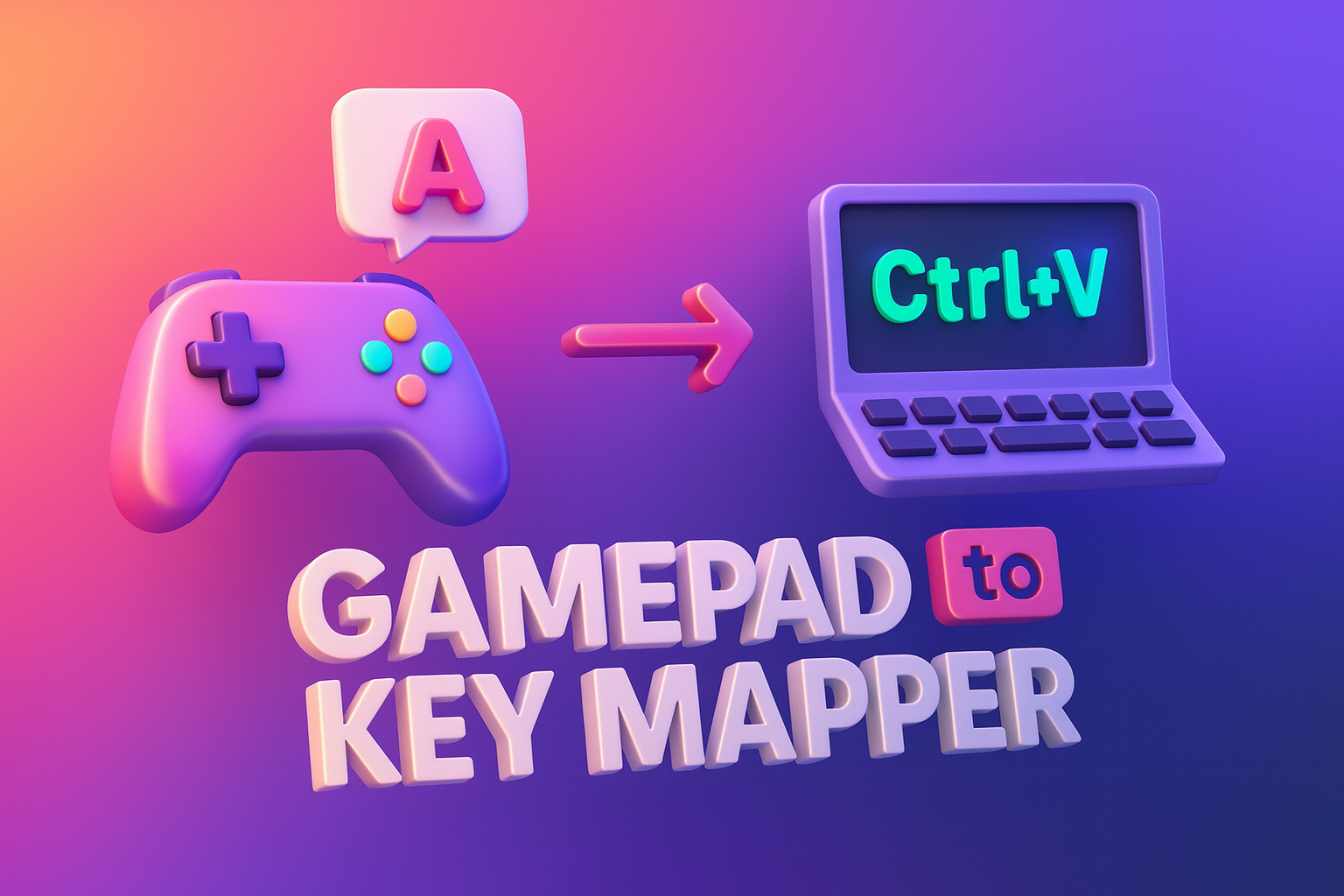
Do you have an old USB game controller lying around? You can finally make it useful with this easy and intuitive Gamepad to Key Mapper. This tool lets you map buttons from your controller to different keyboard shortcuts, allowing you to speed up your workflow significantly.
How to use it:
Just run the .exe file and attach your gamepad. The app will detect the device and display it. You can test it immediately by pressing buttons—the app will log your key presses in the window.
How to map keys:
To map a key, simply click the mapping button, press the desired button on your gamepad, and then perform the keyboard shortcut—for example, Ctrl+C for copy. It will appear in your list immediately. You can do the same for Ctrl+V (paste). Now, you can use your gamepad for quick copy-pasting!
A few things to note:
- Currently, the app only supports buttons, not the arrows/dpads/joysticks, but most gamepads have at least four buttons, giving you plenty to work with.
- The program is designed to start automatically with your computer, so you can set it and forget it.
- Key bindings are stored in a JSON file next to the executable, making it easy to transfer your shortcuts to different computers.
I hope you enjoy this little app—it’s an easy way to turn a gamepad into a productivity powerhouse!
Purchase
In order to download this tool you must purchase it at or above the minimum price of $1.99 USD. You will get access to the following files:
Leave a comment
Log in with itch.io to leave a comment.